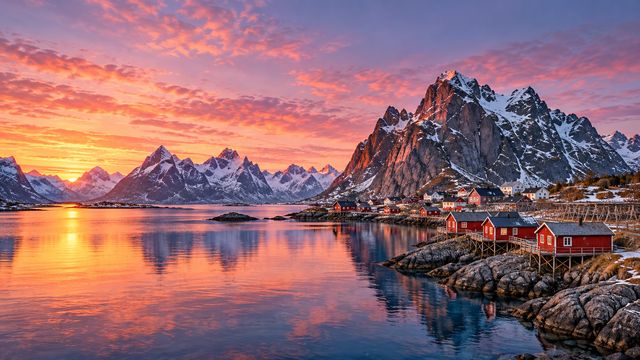
Lofoten Rose Dawn
Red cabins and snowy peaks are warmed by a pink dawn reflection.
 TabTuyo
A personal workspace for Chrome
Every new tab is a place to start. Put your favorite links, a clock, notes, and a short task list where you’ll see them. Pick a still or moving scene, then arrange your tools around it.
Choose a still wallpaper or use an MP4 to animate the background. Your layout stays in your browser. No TabTuyo account required.
Explore five scenes and see how different backdrops work with your tools.
01 / 05 · Nordic coasts
Start with a clock and your most used links. Keep them in the corners so the cabins and their reflection stay in view.
Explore Nordic coasts ↗
02 / 05 · Art Deco evenings
Give evening browsing a quieter feel. Keep a note and a short list in reach against the deep blue velvet.
Explore Art Deco evenings ↗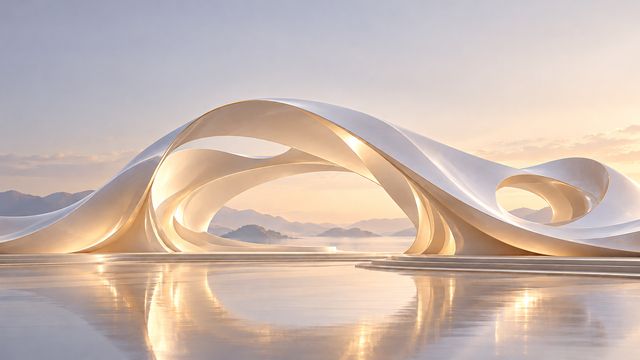
03 / 05 · Quiet architecture
Pale sky and sweeping forms leave room for a clock, a few favorites, and a little breathing space.
Explore quiet architecture ↗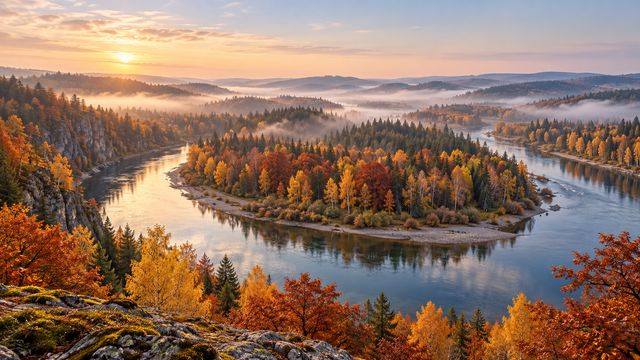
04 / 05 · Autumn waterways
Copper trees and morning mist frame a bend that pulls your eye through the scene.
Explore autumn waterways ↗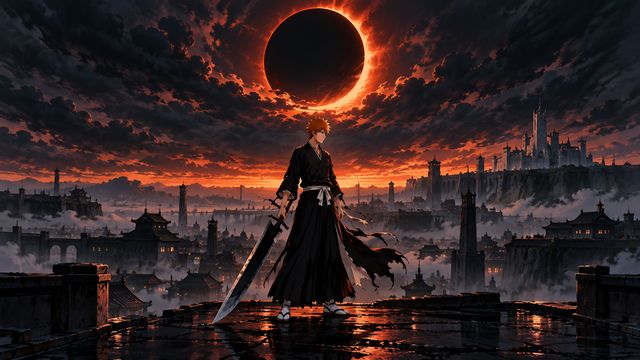
05 / 05 · Anime after dark
A bright orange sky and a sharp silhouette. Leave the center clear and let the artwork fill the tab.
Explore anime after dark ↗Live backgrounds
TabTuyo can loop an MP4 behind your widgets. Import one of your own videos or pick a loop from the library.
Solo Leveling: Shadow Army. Sung Jinwoo and his shadow army appear amid violet energy in this user-submitted fan animation.
Original backgrounds for a browser that feels like you. Pick a scene and make it yours in TabTuyo.
Browse here. Use TabTuyo with Chrome on your computer.
Curated by TabTuyo
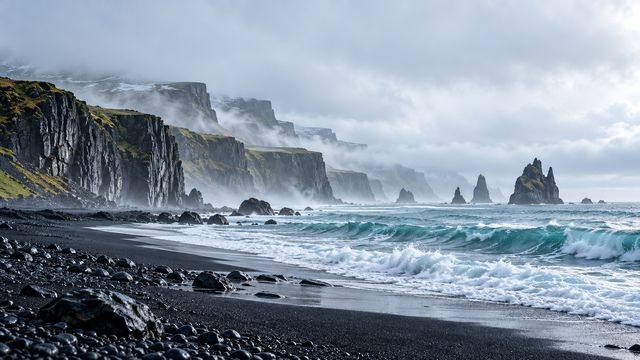
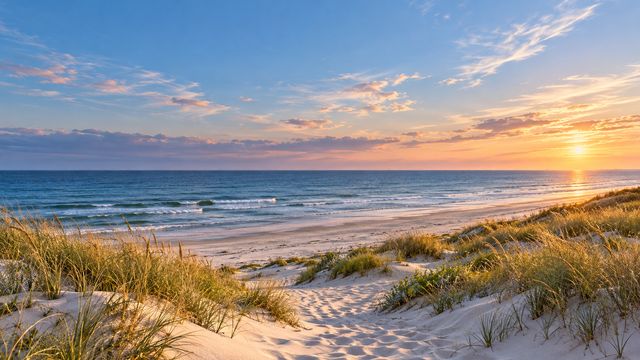
Compare a pink village dawn, cool basalt cliffs, and a pale Baltic shore. Open a scene to see where the clock and shortcuts can sit without covering the artwork.
Browse still images and live backgrounds here, then use the TabTuyo extension to make a selection your new-tab background. Themes change the appearance of your panels and controls; modules add tools such as clocks, favorites, tasks and notes. You can explore the website without installing first.
Open an artwork to inspect its composition, dimensions and file size. Use in TabTuyo applies it and saves it to your local gallery. Save to library downloads it for later without changing the active background. Both require a compatible, enabled extension in the same desktop browser profile. Keep the page open until the transfer finishes.
A dramatic scene can suit a minimal clock-and-search layout. A quieter landscape or abstract composition gives longer notes and favorites more breathing room. The curated collections explain specific palettes and suggested layouts, and the wallpaper guide helps you compare contrast and cropping.
The library includes generated compositions, fan artwork, user-provided media and public-domain art. Photorealistic style does not mean a scene is a verified photograph. New daily still images are delivered as 2560×1440 JPEGs; some are upscaled from smaller sources. Read artwork and delivery information for the distinctions.
Saved wallpapers and personal settings stay in your browser profile. Before reinstalling or resetting, create a backup. New to TabTuyo? Start with installation, or follow the Apply and Save walkthrough.